About this template
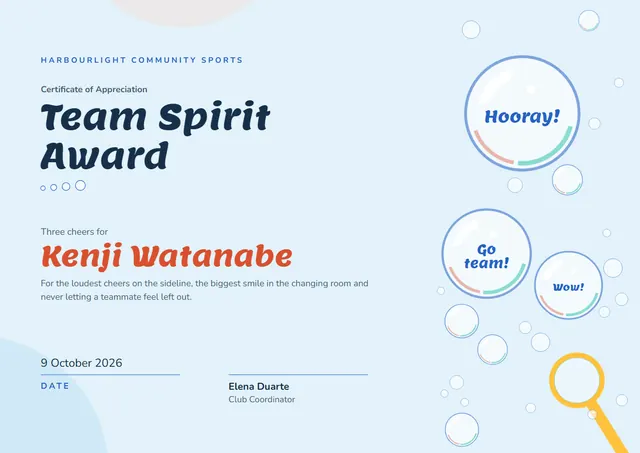
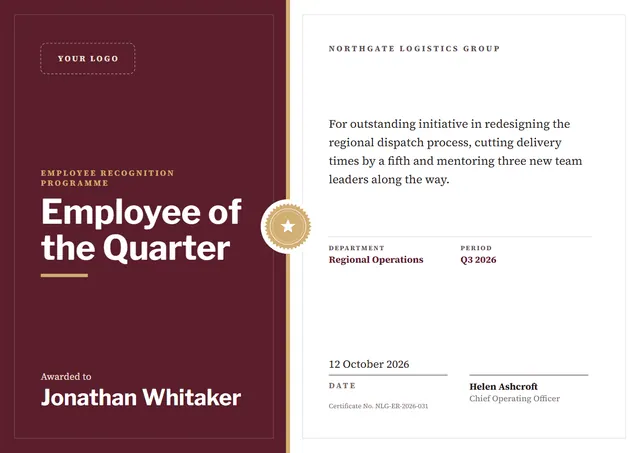
Managers, HR teams and team leaders reach for designs like this one when they want to recognise the people who keep a team going: a modern Employee of the Month Certificate that looks as good in a frame as it does in a folder. The colour scheme you see, Night Violet, is one of three built into the design, with a bold band of colour at the heart of the layout.
Suggested wording
Copy one of these lines into the certificate, then replace the words in brackets.
Employee of the Month, [Month Year]: [Name], for [Reason]. Thank you for raising the bar.
This award recognises [Name] for living our values every single day.
Awarded to [Name] for exceptional work in [Month]. Customers noticed, and so did we.
How to customise it
Click any line to change it: the recipient’s name, the wording, the date and the signatures. Need portrait instead of landscape, or US Letter instead of A4? Change it in one click. Prefer another look? Switch to the Terminal Green or Amber Console colour scheme, or pick any colour you like. Fonts can be swapped too; the defaults are Space Grotesk and JetBrains Mono. Add your logo, a crest or a photo and drag it into place.
Printing tips
A smooth, bright white card stock (about 65–80 lb cover) gives the cleanest finish. Download the PDF at the paper size you will print on (A4 or US Letter) and set the printer to “Actual size” or 100%. Because of the dark background, check your ink first, or send the PDF to a local print shop.