About this template
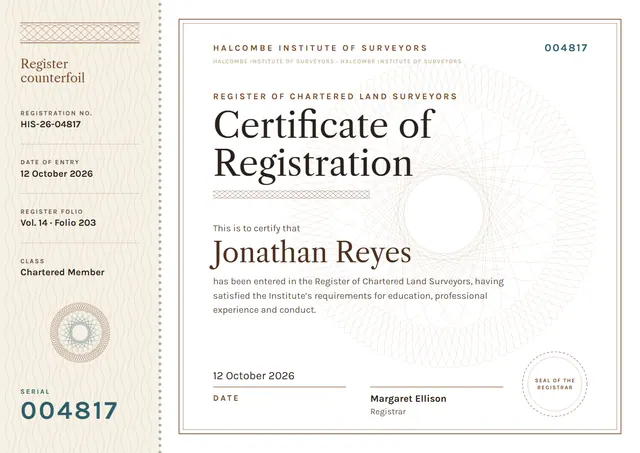
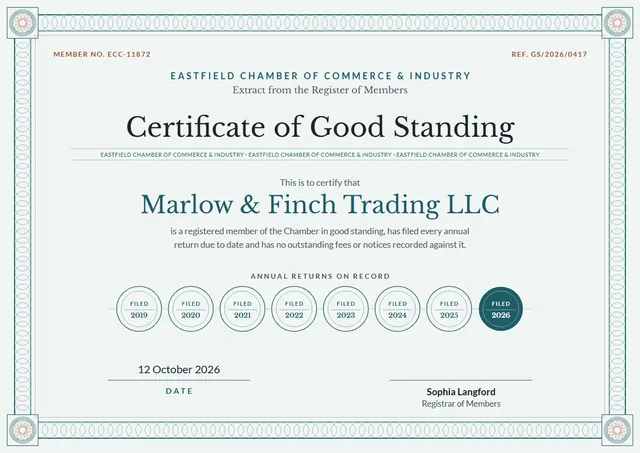
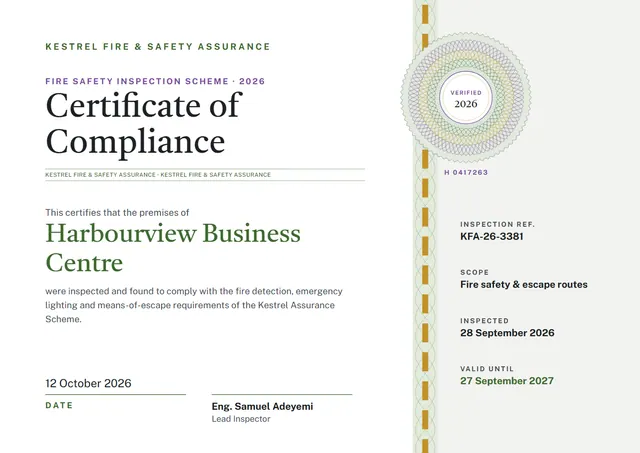
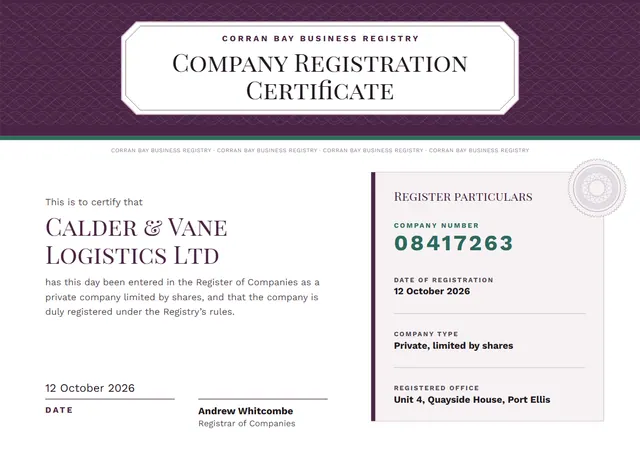
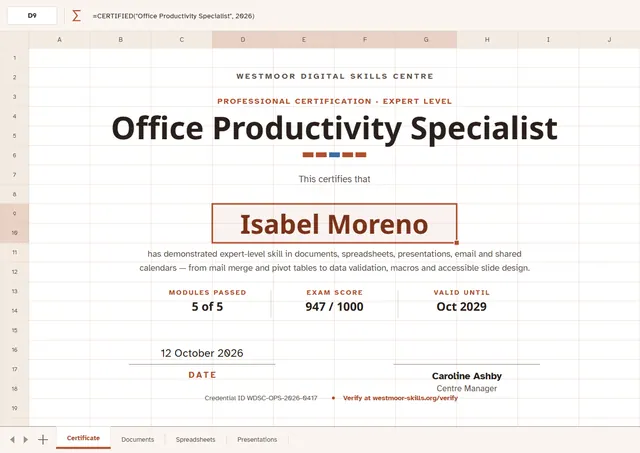
Use this clean Office Productivity Specialist Certificate to confirm a professional qualification. It suits IT training providers and certification programmes, and anyone else who wants the moment to feel official. With a bold band of colour and Noto Sans headings, it has a crisp feel, while the Terracotta Sheet palette keeps the colours fresh. Change a few words and it doubles as a staff award.
Suggested wording
Copy one of these lines into the certificate, then replace the words in brackets.
[Name] is hereby recognised as a [Title], having passed the assessment on [Date] with a score of [Score].
Awarded to [Name] on successful completion of the [Exam] examination, [Date].
Presented to [Name] in recognition of achieving Office Productivity Specialist, [Level], on [Date].
How to customise it
Click any line to change it: the recipient’s name, the wording, the date, modules passed, exam score and valid until and the signatures. The design comes with three colour schemes (Cobalt Sheet, Plum Sheet and Terracotta Sheet), and every single colour can be changed. Need portrait instead of landscape, or US Letter instead of A4? Change it in one click. Change the font or the size of any line if your text is longer than the sample. Add your logo, a crest or a photo and drag it into place.
Printing tips
A smooth, bright white card stock (about 65–80 lb cover) gives the cleanest finish. Download the PDF at the paper size you will print on (A4 or US Letter) and set the printer to “Actual size” or 100%. Standard A4 and Letter frames fit it without trimming.