About this template
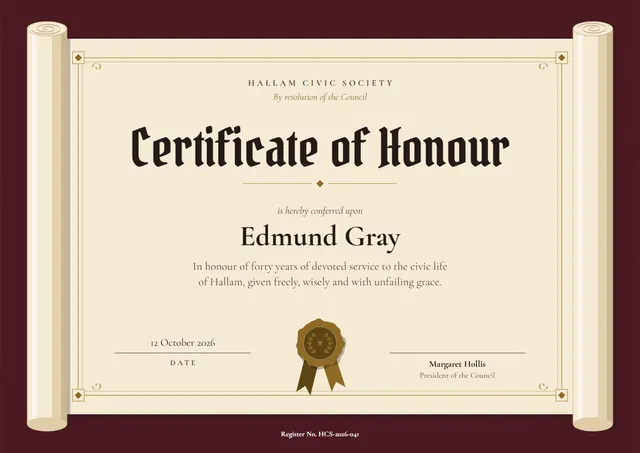
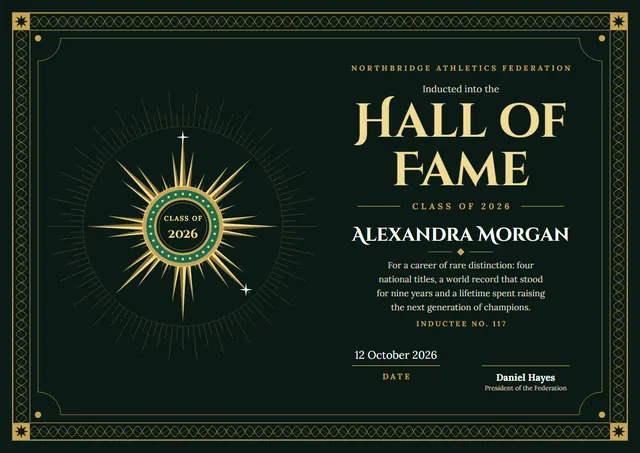
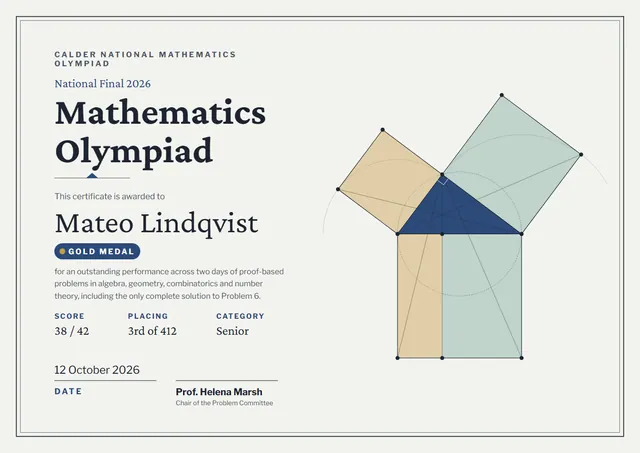
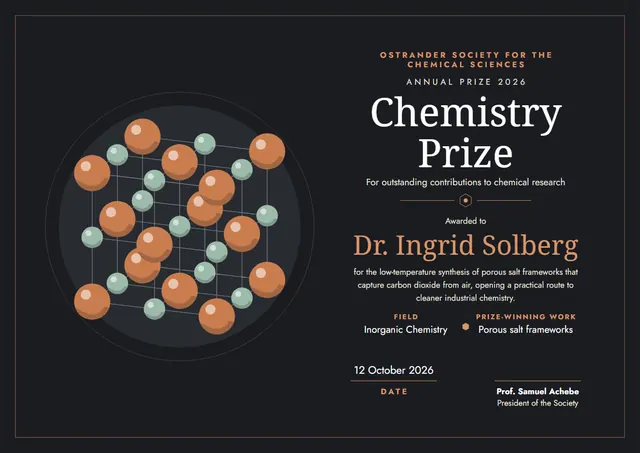
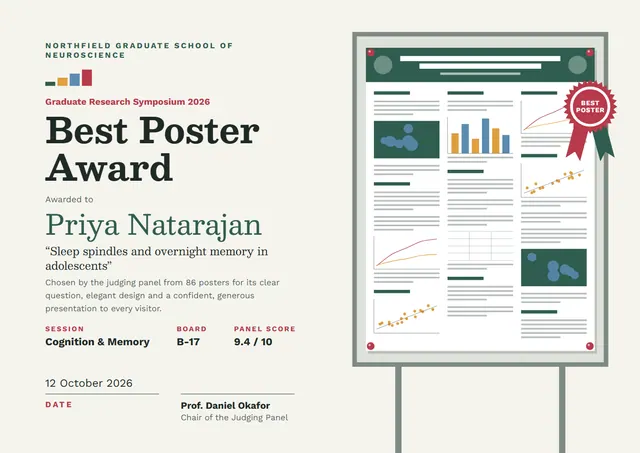
Whether it is for one person or a whole group, the Forest Green Rosette Best Poster Award gives research institutes, labs and science competitions a traditional way to name a winner and make it official. The colour scheme you see, Conference Green, is one of three built into the design, with a ribbon rosette at the heart of the layout. You will also find it under Graduation on CerShare.
Suggested wording
Copy one of these lines into the certificate, then replace the words in brackets.
This certificate is presented to [Name] for winning [Category] at [Competition].
Awarded to [Name], winner of Best Poster Award, [Year].
In recognition of [Name], whose work was judged best in [Category] by [Judges].
How to customise it
Every word is editable, from the title to the signature line, including the session, board and panel score lines. Fonts can be swapped too; the defaults are Besley and Work Sans. Prefer another look? Switch to the Symposium Navy or Plum Poster colour scheme, or pick any colour you like. It works in landscape or portrait, on A4 or US Letter, without you having to move anything. There is an Arabic edition too, laid out right to left with Lalezar.
Printing tips
For the best result, print on ivory or parchment paper of 160–200 gsm. Download the PDF at the paper size you will print on (A4 or US Letter) and set the printer to “Actual size” or 100%. It fits a standard certificate frame or a document folder.