About this template
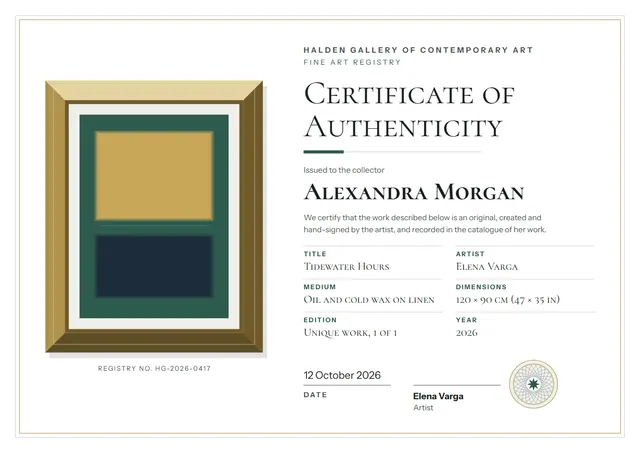
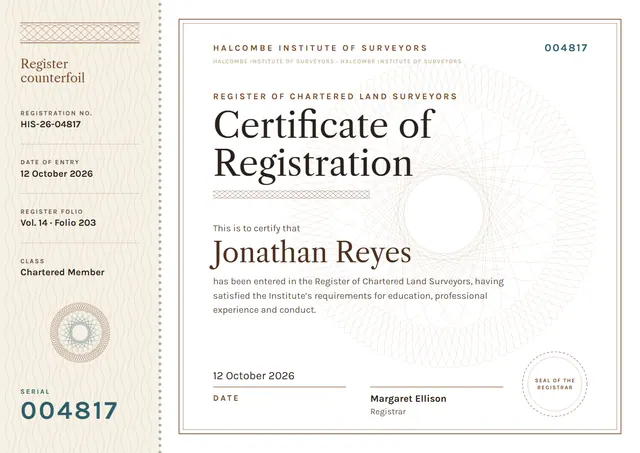
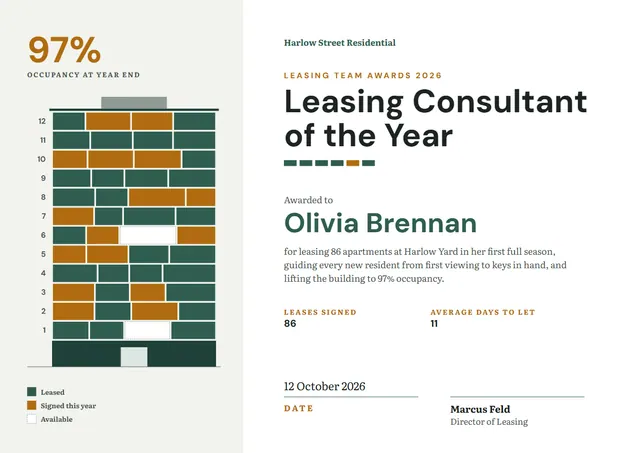
Training academies, event hosts and L&D teams reach for designs like this one when they want to confirm a professional qualification: a contemporary Accredited Trainer Certificate that looks as good in a frame as it does in a folder. Look closely and you will notice a badge and a bold band of colour, set off by Public Sans lettering in teal. Change a few words and it doubles as a certificate of appreciation.
Suggested wording
Copy one of these lines into the certificate, then replace the words in brackets.
Registered: [Name], registration number [0000], effective [Date].
This certifies that [Name] has met the requirements of Accredited Trainer. Credential ID [ABC-0000], valid until [Date].
[Organisation] confirms that [Name] holds Accredited Trainer at [Level].
How to customise it
Click any line to change it: the recipient’s name, the wording, the date and the signatures. Fonts can be swapped too; the defaults are Public Sans and IBM Plex Sans. It works in landscape or portrait, on A4 or US Letter, without you having to move anything. The design comes with three colour schemes (Royal & Citron, Teal & Orange and Graphite & Red), and every single colour can be changed. There is an Arabic edition too, laid out right to left with Alexandria.
Printing tips
Use a smooth white paper rather than parchment, so the clean lines stay sharp. In the print dialog choose “Actual size” rather than “Fit”, so the border isn’t cropped. It fits a standard certificate frame or a document folder.