About this template
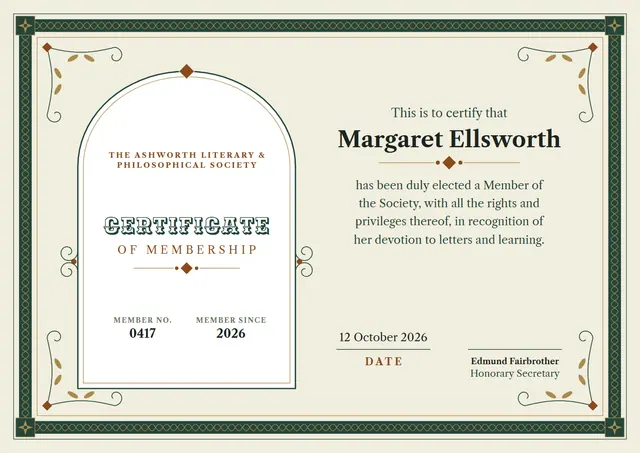
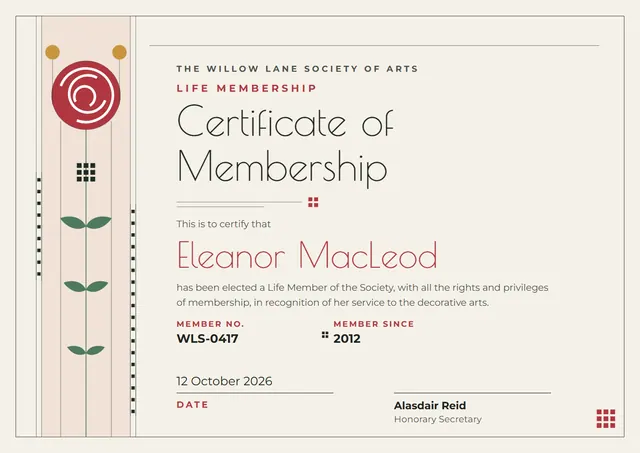
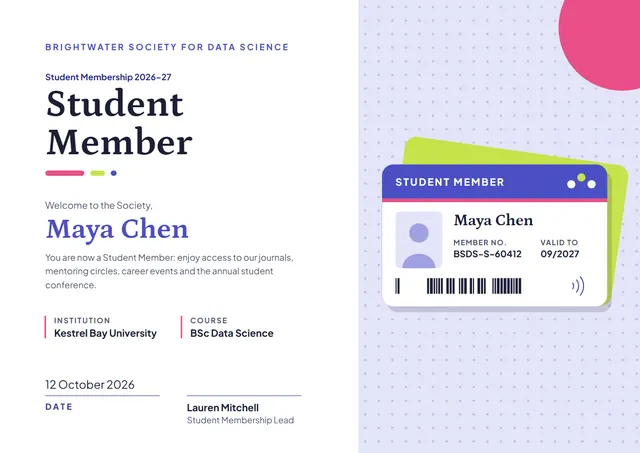
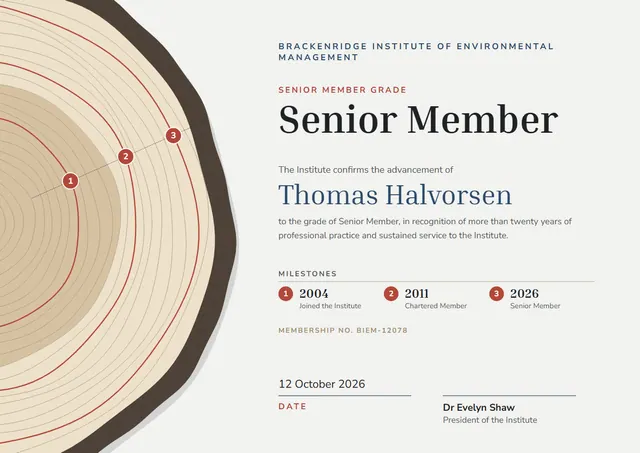
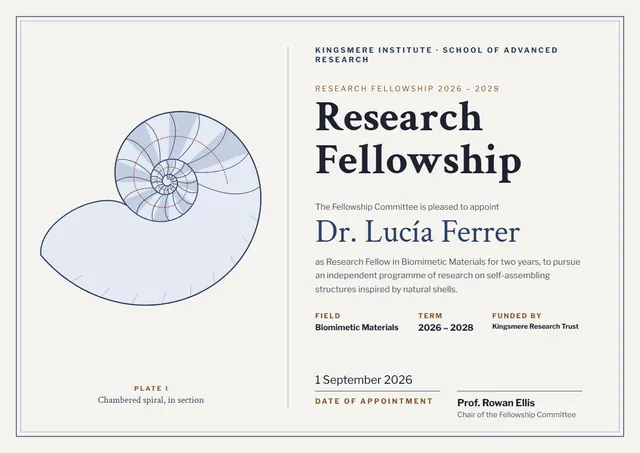
Here is a classic way to welcome a new member: the Navy Double-Border Research Fellowship Certificate, a template that suits business schools and continuing education units. It is shown here in navy, with a double border, Crimson Text headings and Libre Franklin for the smaller text. Change a few words and it doubles as a graduation certificate.
Suggested wording
Copy one of these lines into the certificate, then replace the words in brackets.
This certifies that [Name] is a [Grade] member of [Organisation], admitted on [Date]. Member no. [0000].
[Organisation] is pleased to confirm the membership of [Name], with all the rights and privileges it brings.
This certificate confirms [Name] as a Research Fellowship holder, membership number [0000].
How to customise it
You can rewrite the whole certificate; the field, term and funded by fields are already in place, and you can delete the ones you don’t need. Choose A4, US Letter or A3, in landscape or portrait, and the layout rearranges itself to fit. Change the font or the size of any line if your text is longer than the sample. Colours are yours to change: try Sepia Plate, or match your own brand colours. Add your logo, a crest or a photo and drag it into place.
Printing tips
Heavy matte or parchment paper gives it the weight of an official document. Download the PDF at the paper size you will print on (A4 or US Letter) and set the printer to “Actual size” or 100%. Sign it in blue or black ink once it is printed for a personal touch.