About this template
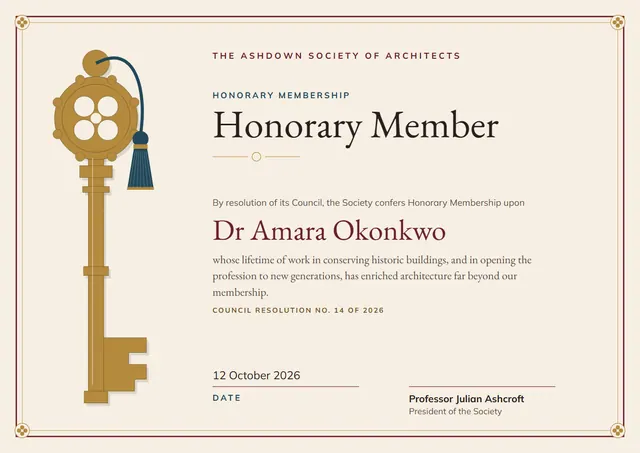
Professional bodies, institutes and societies reach for designs like this one when they want to welcome a new member: a traditional Honorary Membership Certificate that looks as good in a frame as it does in a folder. EB Garamond sets the title and Mulish carries the details, with corner ornaments giving the page its character. Change a few words and it doubles as a professional certificate.
Suggested wording
Copy one of these lines into the certificate, then replace the words in brackets.
Presented to [Name] on election to [Grade] of [Society], [Year].
This certificate confirms [Name] as a Honorary Membership holder, membership number [0000].
Honorary membership awarded to [Name] in recognition of [Contribution].
How to customise it
You can rewrite the whole certificate, or keep the sample wording and just change the names. The design comes with three colour schemes (Ivory & Green, Ivory & Navy and Parchment & Burgundy), and every single colour can be changed. Fonts can be swapped too; the defaults are EB Garamond and Mulish. Need portrait instead of landscape, or US Letter instead of A4? Change it in one click. Add your logo, a crest or a photo and drag it into place.
Printing tips
Heavy matte or parchment paper gives it the weight of an official document. Download the PDF at the paper size you will print on (A4 or US Letter) and set the printer to “Actual size” or 100%. It fits a standard certificate frame or a document folder.