About this template
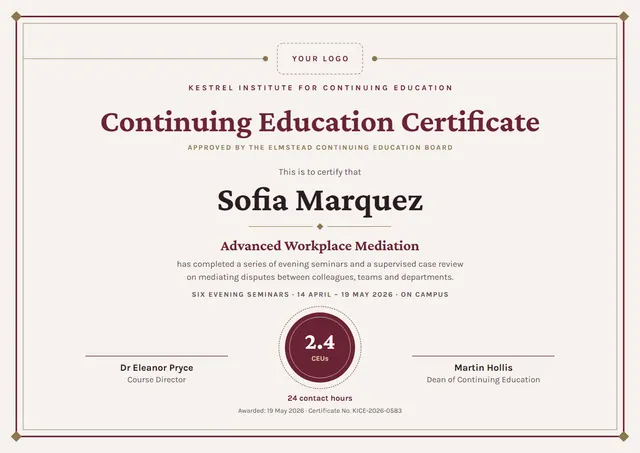
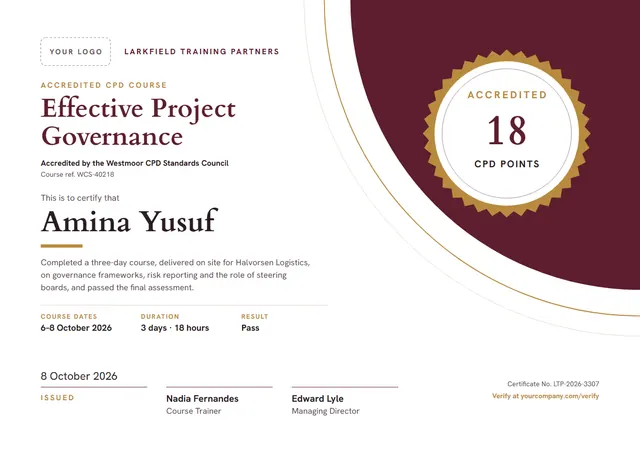
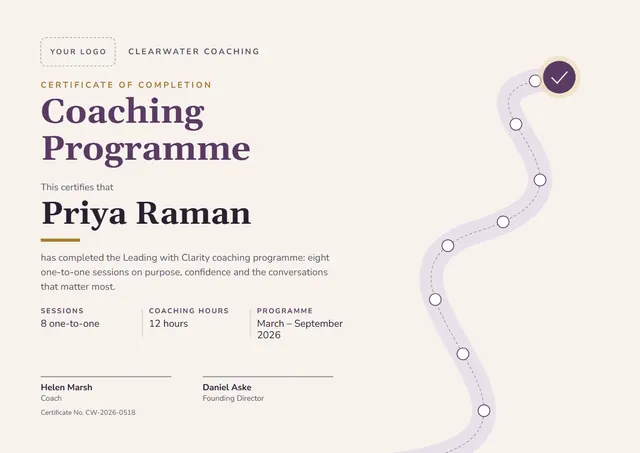
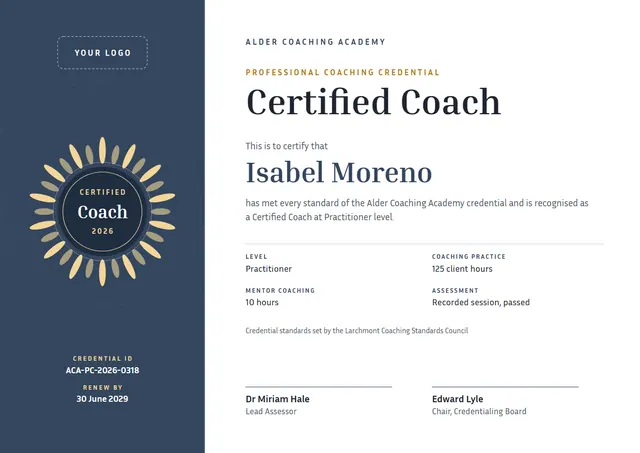
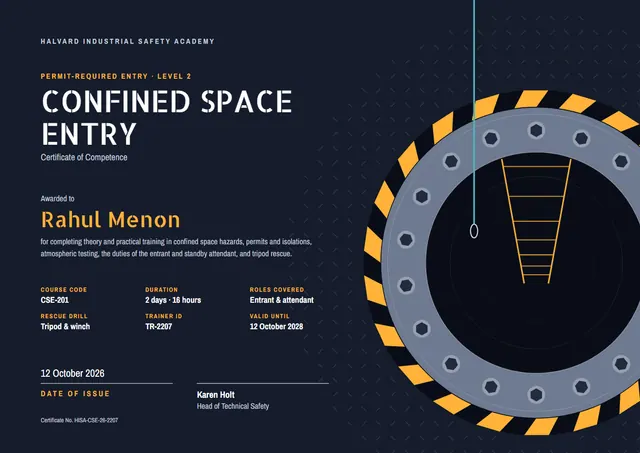
Energy companies, contractors and HSE trainers reach for designs like this one when they want to record training that has been completed: a clean Confined Space Entry Certificate that looks as good in a frame as it does in a folder. Allerta Stencil sets the title and Archivo Narrow carries the details, with a bold band of colour giving the page its character.
Suggested wording
Copy one of these lines into the certificate, then replace the words in brackets.
For completing Confined Space Entry: [6] hours of training, including theory, practice and a final check.
Certificate number [0000]: [Name] completed Confined Space Entry on [Date]. Refresher due [Month Year].
Awarded to [Name] for completing Confined Space Entry in line with [Standard or policy].
How to customise it
Click any line to change it: the recipient’s name, the wording, the date, course code, duration and roles covered and the signatures. It works in landscape or portrait, on A4 or US Letter, without you having to move anything. Change the font or the size of any line if your text is longer than the sample. The design comes with three colour schemes (Hatch Yellow, Tank Green and Night Shift), and every single colour can be changed. You can also upload a logo or a photo and place it anywhere on the page.
Printing tips
Bright white matte paper of 160–200 gsm keeps the colours crisp. Download the PDF at the paper size you will print on (A4 or US Letter) and set the printer to “Actual size” or 100%. The background is dark, so a laser printer or a print shop will give the richest colour.