About this template
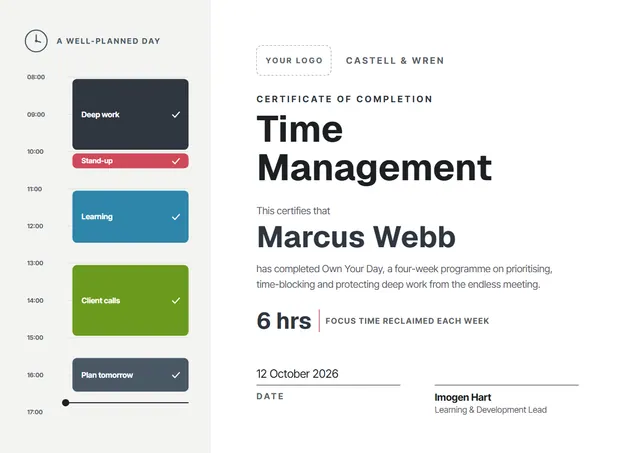
Whether it is for one person or a whole group, the Olive Chart Time Management Certificate gives L&D teams and corporate trainers a contemporary way to record training that has been completed. On CerShare it comes in the Graphite & Lime colour scheme, with chart lines as the centrepiece; the lettering pairs Geist with Inter Tight. Change a few words and it doubles as a course completion certificate.
Suggested wording
Copy one of these lines into the certificate, then replace the words in brackets.
Certificate number [0000]: [Name] completed Time Management on [Date]. Refresher due [Month Year].
For completing Time Management: [6] hours of training, including theory, practice and a final check.
This is to confirm that [Name] attended Time Management on [Date] and passed the practical assessment.
How to customise it
You can rewrite the whole certificate; the a well-planned day and focus time reclaimed each week fields are already in place, and you can delete the ones you don’t need. Need portrait instead of landscape, or US Letter instead of A4? Change it in one click. Change the font or the size of any line if your text is longer than the sample. The design comes with three colour schemes (Indigo Day, Graphite & Lime and Plum Planner), and every single colour can be changed. Add your logo, a crest or a photo and drag it into place.
Printing tips
Use a smooth white paper rather than parchment, so the clean lines stay sharp. Download the PDF at the paper size you will print on (A4 or US Letter) and set the printer to “Actual size” or 100%. Standard A4 and Letter frames fit it without trimming.