About this template
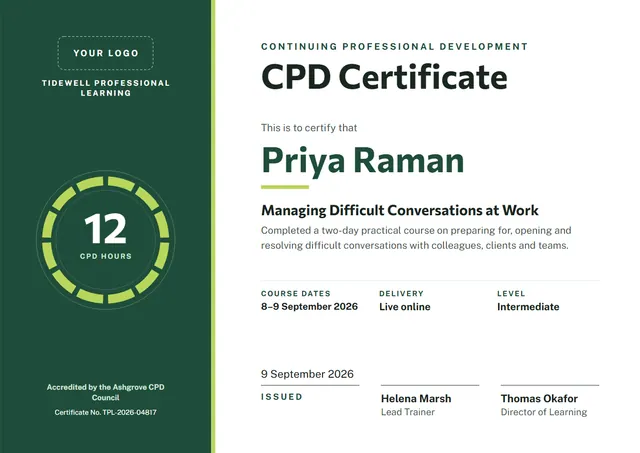
CPD providers, professional bodies and L&D teams reach for designs like this one when they want to record training that has been completed: a modern CPD Certificate that looks as good in a frame as it does in a folder. Commissioner sets the title and Public Sans carries the details, with a bold band of colour giving the page its character. It works just as well as a professional certificate.
Suggested wording
Copy one of these lines into the certificate, then replace the words in brackets.
[Name] has successfully completed CPD Certificate and is competent in the procedures covered. Valid until [Expiry date].
Awarded to [Name] for completing CPD Certificate in line with [Standard or policy].
This is to confirm that [Name] attended CPD Certificate on [Date] and passed the practical assessment.
How to customise it
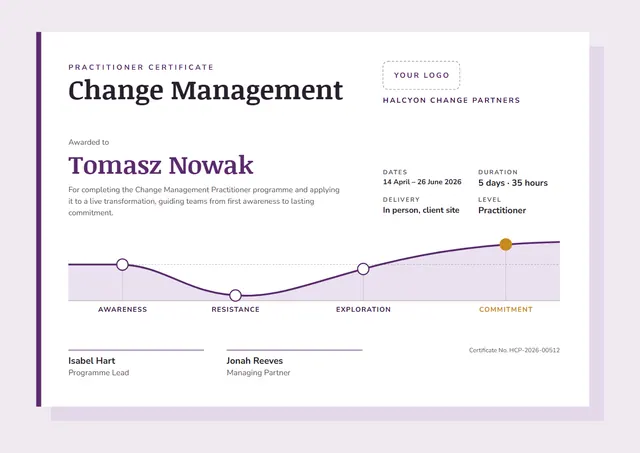
Every word is editable, from the title to the signature line, including the course dates, delivery and level lines. Colours are yours to change: try Teal & Amber, or match your own brand colours. Need portrait instead of landscape, or US Letter instead of A4? Change it in one click. Text sizes adjust to fit, and you can choose another font for any line. You can also upload a logo or a photo and place it anywhere on the page.
Printing tips
A smooth, bright white card stock (about 65–80 lb cover) gives the cleanest finish. Download the PDF at the paper size you will print on (A4 or US Letter) and set the printer to “Actual size” or 100%. Standard A4 and Letter frames fit it without trimming.