About this template
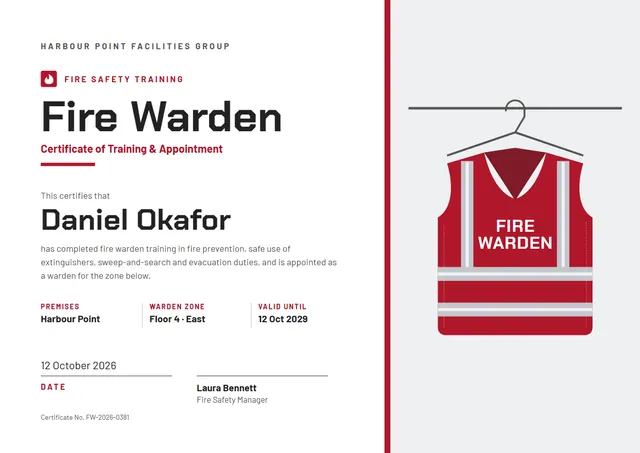
Here is a clean way to record training that has been completed: the Crimson Flame Fire Warden Certificate, a template that suits safety officers, HR and compliance teams. The colour scheme you see, Charcoal & Crimson, is one of three built into the design, with a flame at the heart of the layout.
Suggested wording
Copy one of these lines into the certificate, then replace the words in brackets.
Awarded to [Name] for completing Fire Warden in line with [Standard or policy].
Certificate number [0000]: [Name] completed Fire Warden on [Date]. Refresher due [Month Year].
[Name] has completed Fire Warden. Please keep this certificate with your training records.
How to customise it
You can rewrite the whole certificate; the premises, warden zone and valid until fields are already in place, and you can delete the ones you don’t need. Fonts can be swapped too; the defaults are Chakra Petch and Barlow. Prefer another look? Switch to the Warden Red or Safety Orange colour scheme, or pick any colour you like. It works in landscape or portrait, on A4 or US Letter, without you having to move anything. Add your logo, a crest or a photo and drag it into place.
Printing tips
Use a smooth white paper rather than parchment, so the clean lines stay sharp. In the print dialog choose “Actual size” rather than “Fit”, so the border isn’t cropped. Sign it in blue or black ink once it is printed for a personal touch.