About this template
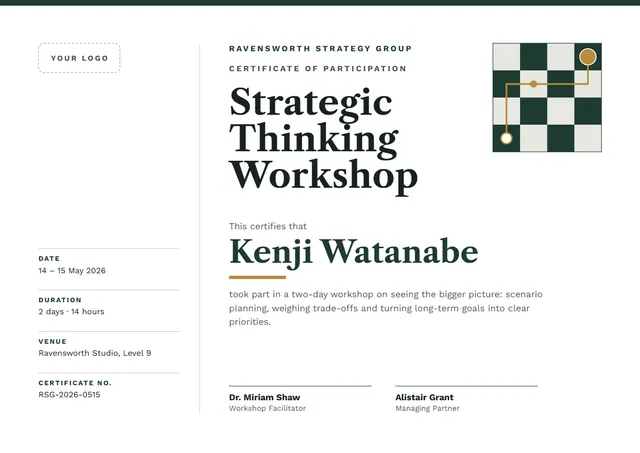
The Forest Green Starry Strategic Thinking Workshop Certificate is a formal Strategic Thinking Workshop Certificate template that leadership programmes, HR teams and business schools use to record training that has been completed. On CerShare it comes in the Bottle & Brass colour scheme, with scattered stars as the centrepiece; the lettering pairs Libre Caslon Text with Work Sans. You will also find it under Course Completion on CerShare.
Suggested wording
Copy one of these lines into the certificate, then replace the words in brackets.
Presented to [Name] on completing the Strategic Thinking Workshop with [Organisation]. Thank you for keeping everyone safe.
[Name] has successfully completed the Strategic Thinking Workshop and is competent in the procedures covered. Valid until [Expiry date].
Awarded to [Name] for completing the Strategic Thinking Workshop in line with [Standard or policy].
How to customise it
Every word is editable, from the title to the signature line, including the duration, venue and certificate no. lines. Choose A4, US Letter or A3, in landscape or portrait, and the layout rearranges itself to fit. Change the font or the size of any line if your text is longer than the sample. Prefer another look? Switch to the Ink & Vermilion or Navy & Teal colour scheme, or pick any colour you like. There is an Arabic edition too, laid out right to left with Noto Naskh Arabic.
Printing tips
A cream, linen-textured paper of around 120 lb text (180 gsm) suits this classic layout. Download the PDF at the paper size you will print on (A4 or US Letter) and set the printer to “Actual size” or 100%. Standard A4 and Letter frames fit it without trimming.