About this template
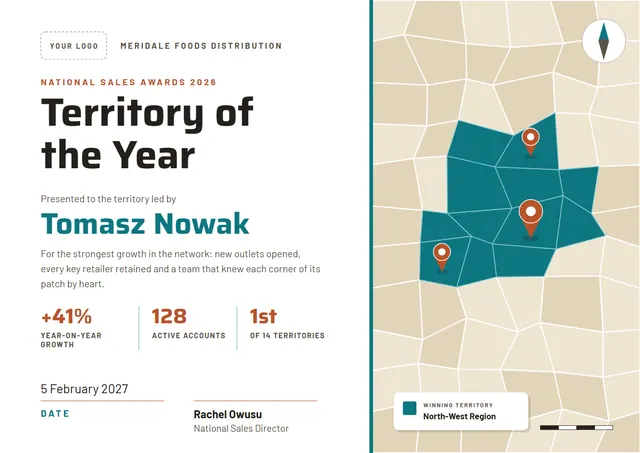
Sales leaders and customer success teams reach for designs like this one when they want to recognise the people who keep a team going: a crisp Territory of the Year Award that looks as good in a frame as it does in a folder. With a map and compass and Saira headings, it has a modern feel, while the Sand & Teal palette keeps the colours fresh. Change a few words and it doubles as a competition award.
Suggested wording
Copy one of these lines into the certificate, then replace the words in brackets.
[Name], [Team]: Territory of the Year. Reliable, generous and always calm under pressure.
Congratulations, [Name]! Your colleagues voted you Territory of the Year for always being the first to help.
For [Name], who turned a busy month into our best one yet. With thanks from [Manager] and the team.
How to customise it
Click any line to change it: the recipient’s name, the wording, the date, winning territory and the signatures. It works in landscape or portrait, on A4 or US Letter, without you having to move anything. Prefer another look? Switch to the Atlas Blue or Sage & Brick colour scheme, or pick any colour you like. Fonts can be swapped too; the defaults are Saira and Barlow. You can also upload a logo or a photo and place it anywhere on the page.
Printing tips
Bright white matte paper of 160–200 gsm keeps the colours crisp. In the print dialog choose “Actual size” rather than “Fit”, so the border isn’t cropped. Sign it in blue or black ink once it is printed for a personal touch.