About this template
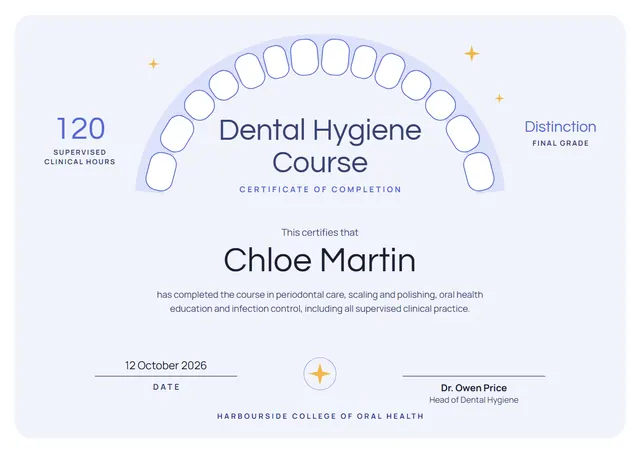
Hospitals, clinics and nursing schools reach for designs like this one when they want to record training that has been completed: a clean Dental Hygiene Course Certificate that looks as good in a frame as it does in a folder. Look closely and you will notice a round seal and scattered stars, set off by Questrial lettering in slate grey. You will also find it under Course Completion on CerShare.
Suggested wording
Copy one of these lines into the certificate, then replace the words in brackets.
Certificate number [0000]: [Name] completed the Dental Hygiene Course on [Date]. Refresher due [Month Year].
Awarded to [Name] for completing the Dental Hygiene Course in line with [Standard or policy].
[Name] has successfully completed the Dental Hygiene Course and is competent in the procedures covered. Valid until [Expiry date].
How to customise it
You can rewrite the whole certificate; the supervised clinical hours and final grade fields are already in place, and you can delete the ones you don’t need. Fonts can be swapped too; the defaults are Questrial and Manrope. Prefer another look? Switch to the Aqua Fresh or Mint & Coral colour scheme, or pick any colour you like. It works in landscape or portrait, on A4 or US Letter, without you having to move anything. There is an Arabic edition too, laid out right to left with Readex Pro.
Printing tips
Bright white matte paper of 160–200 gsm keeps the colours crisp. Download the PDF at the paper size you will print on (A4 or US Letter) and set the printer to “Actual size” or 100%. It fits a standard certificate frame or a document folder.