About this template
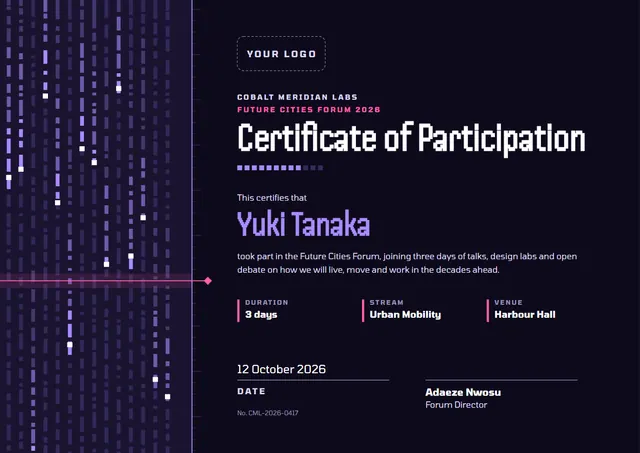
Workshop hosts, seminar organisers and webinar teams reach for designs like this one when they want to confirm that someone took part: a modern Webinar Participation Certificate that looks as good in a frame as it does in a folder. With flowing waves and Be Vietnam Pro headings, it has a crisp feel, while the Graphite & Lime palette keeps the colours rich. You will also find it under Course Completion on CerShare.
Suggested wording
Copy one of these lines into the certificate, then replace the words in brackets.
[Name] attended [Webinar title] on [Date], hosted by [Organisation].
Certificate of attendance: [Name] attended Webinar Participation ([6] CPD hours), [Date].
This is to confirm that [Name] was registered for and attended [Event] in full.
How to customise it
Click any line to change it: the recipient’s name, the wording, the date, time, format and host and the signatures. Fonts can be swapped too; the defaults are Be Vietnam Pro and Onest. Choose A4, US Letter or A3, in landscape or portrait, and the layout rearranges itself to fit. Colours are yours to change: try Midnight & Signal Blue, or match your own brand colours. Add your logo, a crest or a photo and drag it into place.
Printing tips
A smooth, bright white card stock (about 65–80 lb cover) gives the cleanest finish. Print one copy on plain paper first to check the spelling and the margins. The background is dark, so a laser printer or a print shop will give the richest colour.