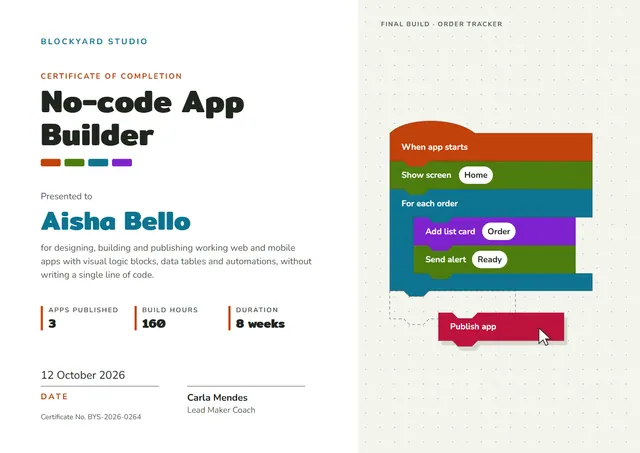
About this template
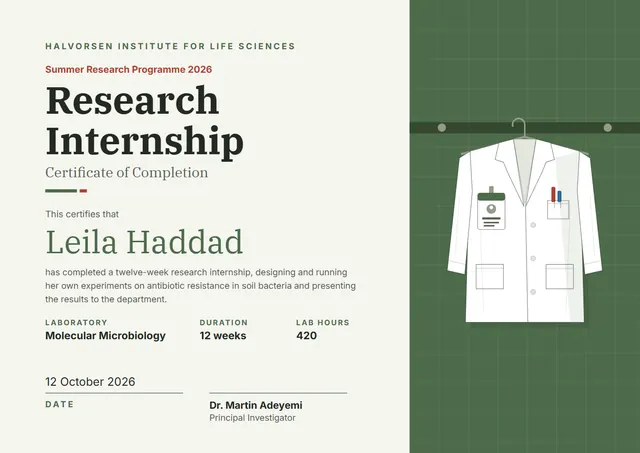
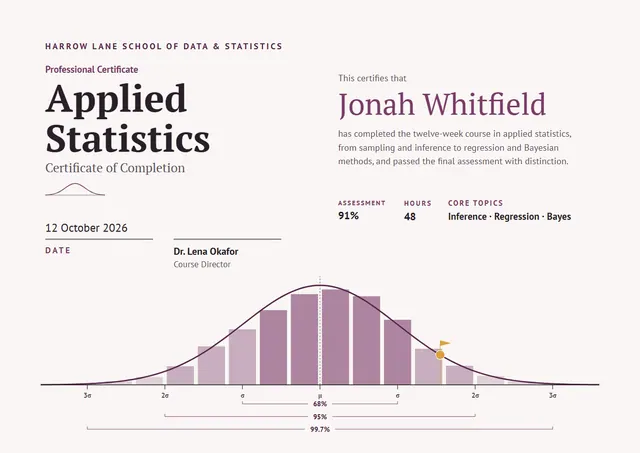
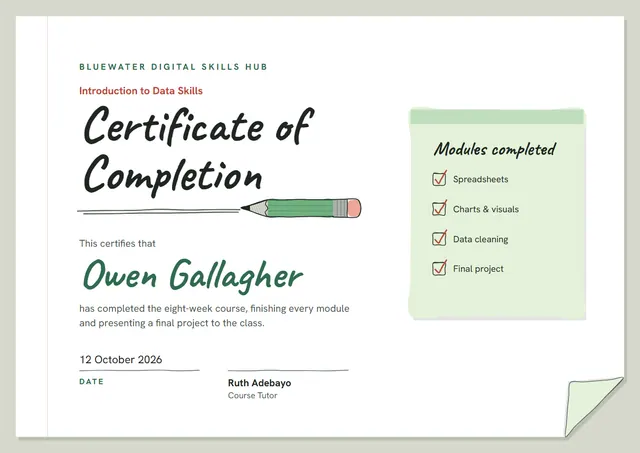
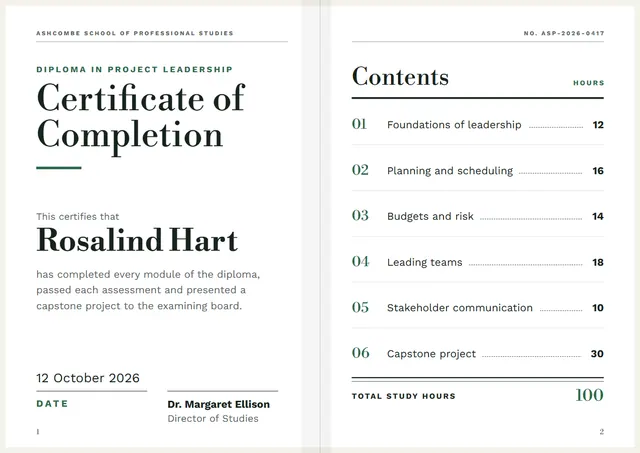
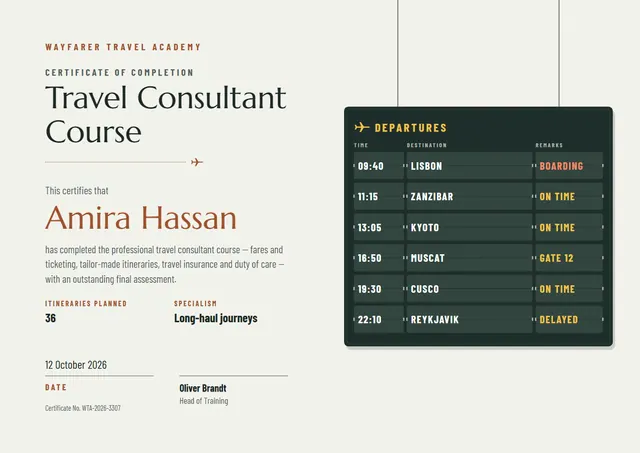
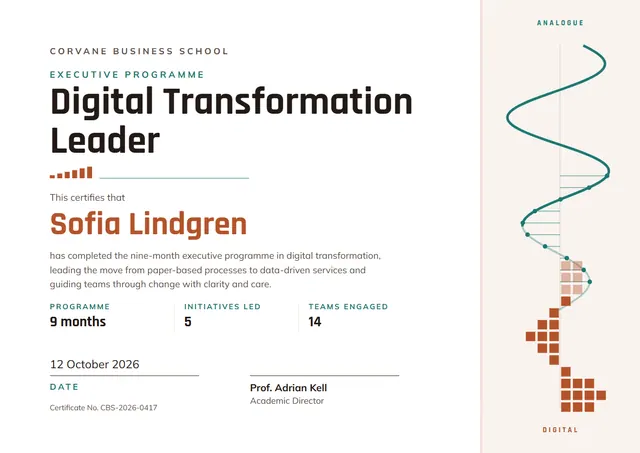
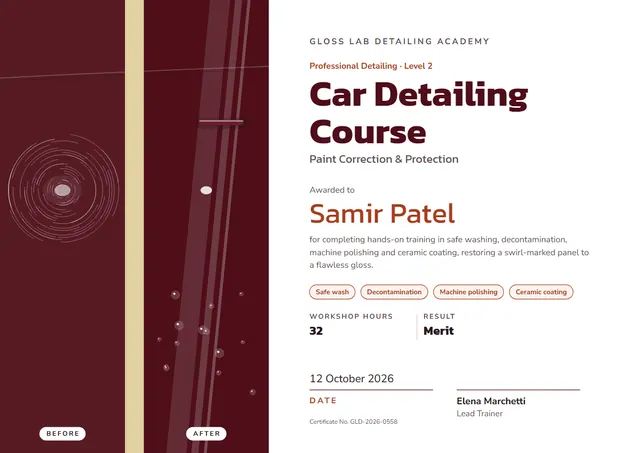
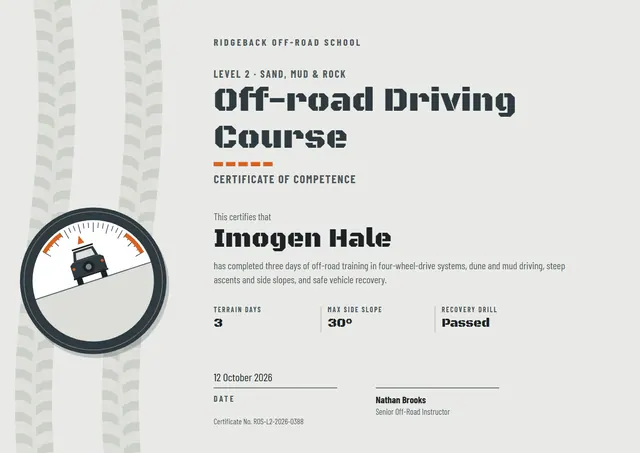
Made with bootcamps and career-change programmes in mind, this No-Code App Builder Certificate helps you close a course with something worth keeping without starting from a blank page. The ocean blue palette and Mitr lettering keep it crisp and easy to read. Change a few words and it doubles as a certificate of achievement.
Suggested wording
Copy one of these lines into the certificate, then replace the words in brackets.
[Name] has met all the requirements of No-code App Builder and is presented with this certificate of completion.
This certifies that [Name] has successfully completed No-code App Builder, [12] hours of guided study, on [Date].
Completed by [Name] on [Date]: No-code App Builder, including all assignments and the final assessment.
How to customise it
You can rewrite the whole certificate; the final build · order tracker, apps published and build hours fields are already in place, and you can delete the ones you don’t need. The design comes with three colour schemes (Playground, Citrus Pop and Night Shift), and every single colour can be changed. It works in landscape or portrait, on A4 or US Letter, without you having to move anything. Change the font or the size of any line if your text is longer than the sample. You can also upload a logo or a photo and place it anywhere on the page.
Printing tips
Use a smooth white paper rather than parchment, so the clean lines stay sharp. Download the PDF at the paper size you will print on (A4 or US Letter) and set the printer to “Actual size” or 100%. Sign it in blue or black ink once it is printed for a personal touch.