About this template
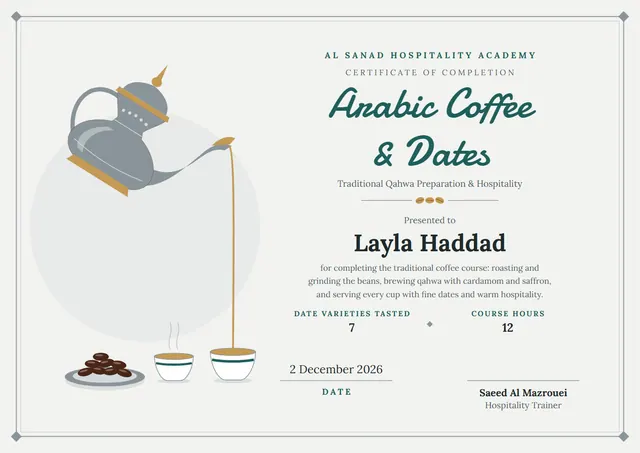
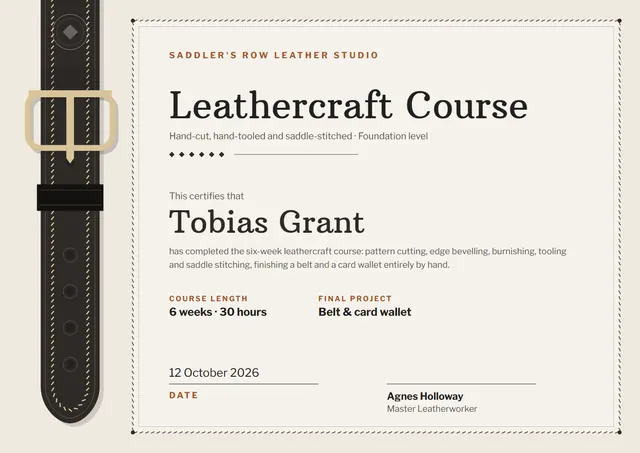
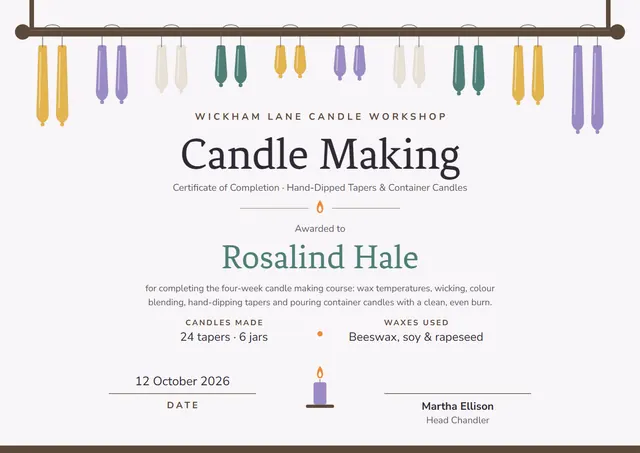
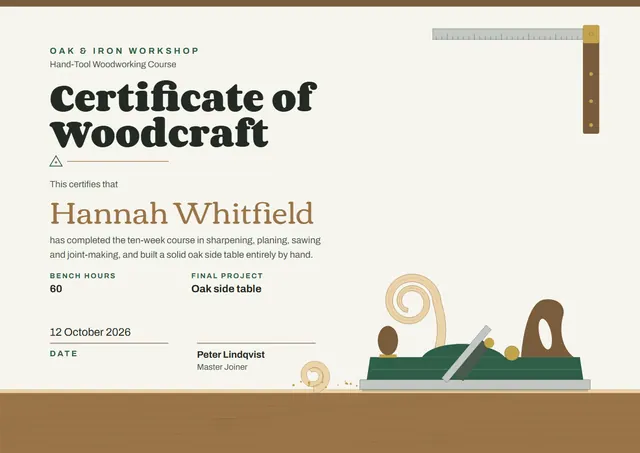
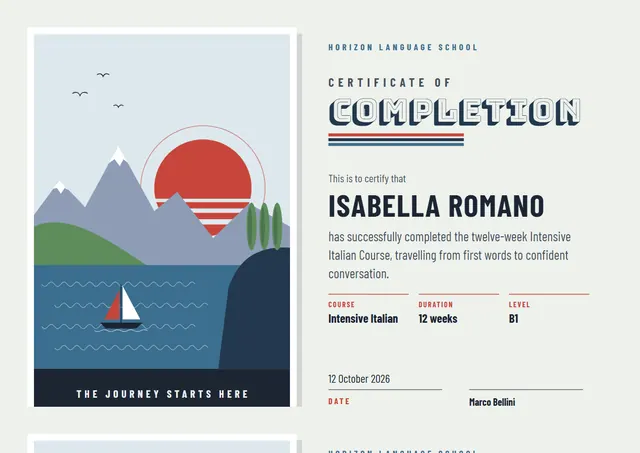
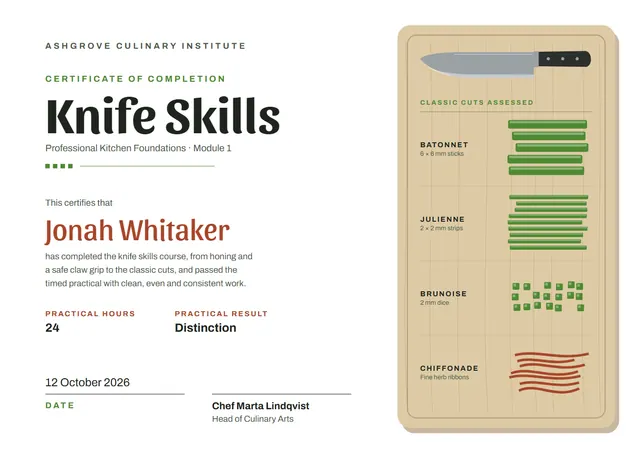
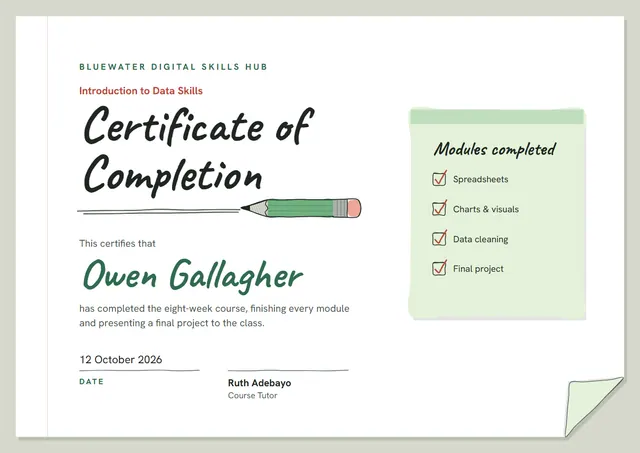
Made with course creators, trainers and schools in mind, this Certificate of Completion helps you close a course with something worth keeping without starting from a blank page. It is shown here in emerald, with corner ornaments, Caveat headings and Hanken Grotesk for the smaller text. Change a few words and it doubles as a certificate of achievement.
Suggested wording
Copy one of these lines into the certificate, then replace the words in brackets.
[Name] has met all the requirements of the [Course name] course and is presented with this certificate of completion.
This is to confirm that [Name] attended and completed the [Course name] course, led by [Instructor], from [Start date] to [End date].
This certifies that [Name] has successfully completed the [Course name] course, [12] hours of guided study, on [Date].
How to customise it
You can rewrite the whole certificate; the modules completed fields are already in place, and you can delete the ones you don’t need. Prefer another look? Switch to the Yellow Pencil or Blue Pencil colour scheme, or pick any colour you like. Need portrait instead of landscape, or US Letter instead of A4? Change it in one click. Fonts can be swapped too; the defaults are Caveat and Hanken Grotesk. You can also upload a logo or a photo and place it anywhere on the page.
Printing tips
A smooth, bright white card stock (about 65–80 lb cover) gives the cleanest finish. Download the PDF at the paper size you will print on (A4 or US Letter) and set the printer to “Actual size” or 100%. It fits a standard certificate frame or a document folder.