About this template
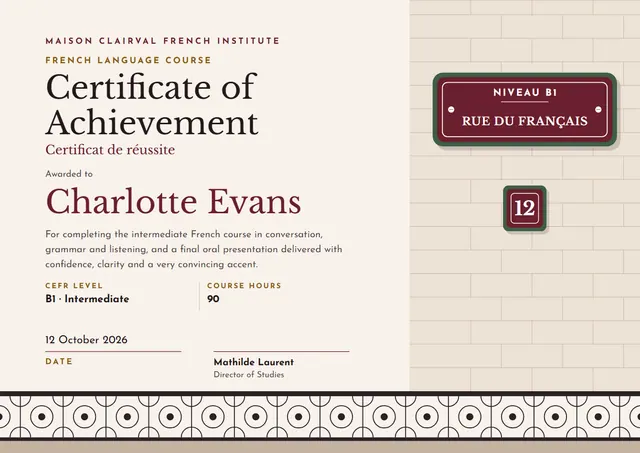
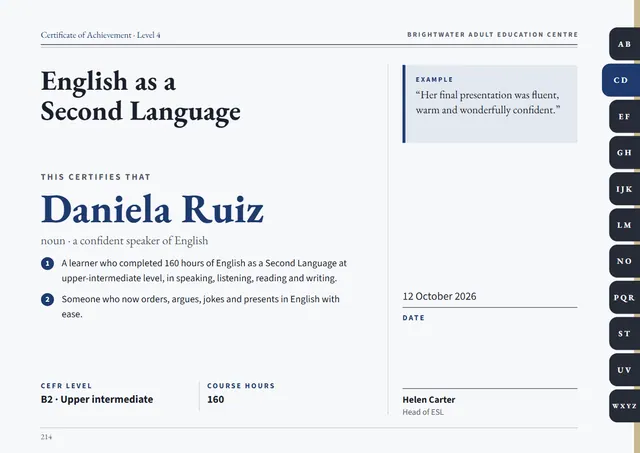
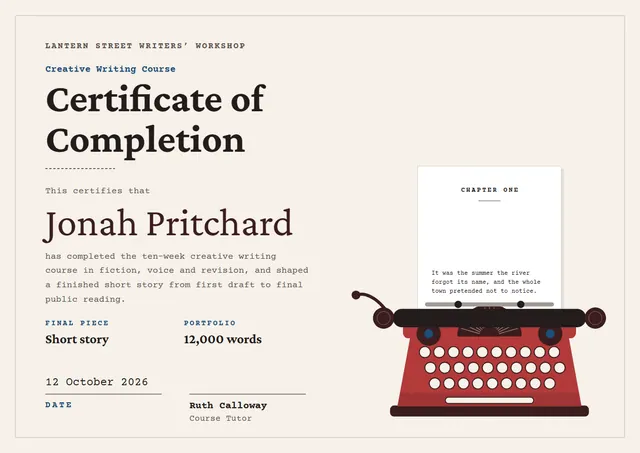
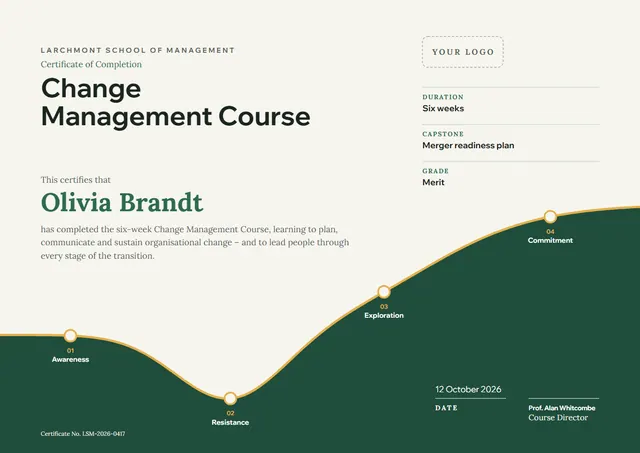
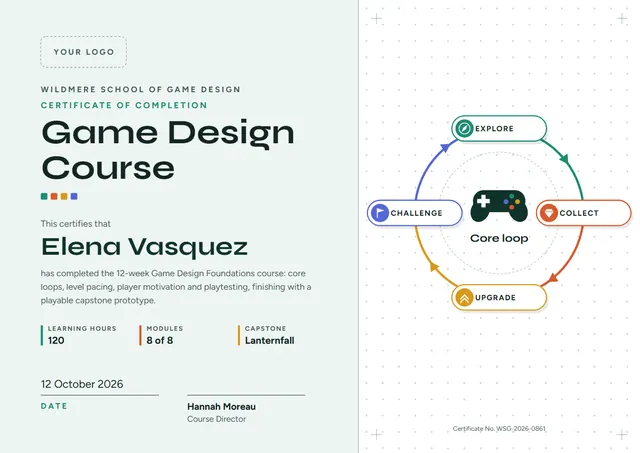
Use this clean Game Design Course Certificate to close a course with something worth keeping. It suits esports leagues, game schools and streamers, and anyone else who wants the moment to feel official. The colour scheme you see, Mint Ink, is one of three built into the design, with planets and orbits at the heart of the layout.
Suggested wording
Copy one of these lines into the certificate, then replace the words in brackets.
This is to confirm that [Name] attended and completed the Game Design Course, led by [Instructor], from [Start date] to [End date].
[Name] has met all the requirements of the Game Design Course and is presented with this certificate of completion.
[Name] finished the Game Design Course with a final grade of [Grade]. Congratulations on a course well done.
How to customise it
Click any line to change it: the recipient’s name, the wording, the date, core loop, learning hours and modules and the signatures. Fonts can be swapped too; the defaults are Syne and Figtree. The design comes with three colour schemes (Studio Coral, Mint Ink and Grape Pop), and every single colour can be changed. Choose A4, US Letter or A3, in landscape or portrait, and the layout rearranges itself to fit. Add your logo, a crest or a photo and drag it into place.
Printing tips
Use a smooth white paper rather than parchment, so the clean lines stay sharp. Choose A4 in Europe and most of the world, or US Letter in North America, before you download. It fits a standard certificate frame or a document folder.