About this template
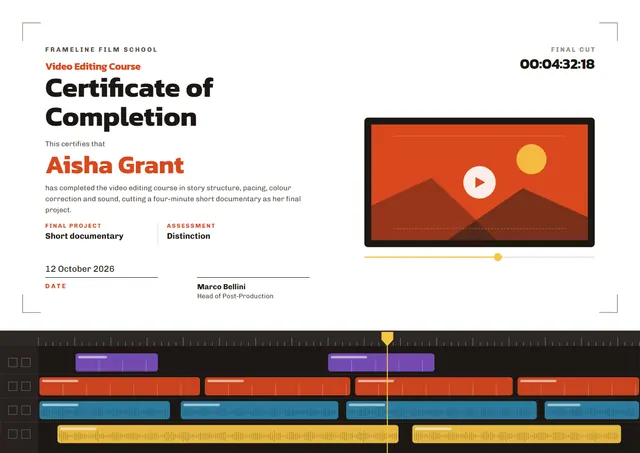
Use this contemporary Video Editing Course Certificate to close a course with something worth keeping. It suits marketing academies, agencies and creators, and anyone else who wants the moment to feel official. On CerShare it comes in the Ember Grade colour scheme, with a sunburst as the centrepiece; the lettering pairs Kanit with Chivo. It works just as well as a certificate of achievement.
Suggested wording
Copy one of these lines into the certificate, then replace the words in brackets.
This is to confirm that [Name] attended and completed the Video Editing Course, led by [Instructor], from [Start date] to [End date].
This certifies that [Name] has successfully completed the Video Editing Course, [12] hours of guided study, on [Date].
[Name] finished the Video Editing Course with a final grade of [Grade]. Congratulations on a course well done.
How to customise it
You can rewrite the whole certificate; the final cut, final project and assessment fields are already in place, and you can delete the ones you don’t need. Fonts can be swapped too; the defaults are Kanit and Chivo. It works in landscape or portrait, on A4 or US Letter, without you having to move anything. Prefer another look? Switch to the Edit Suite or Cool Cut colour scheme, or pick any colour you like. Add your logo, a crest or a photo and drag it into place.
Printing tips
Bright white matte paper of 160–200 gsm keeps the colours crisp. Choose A4 in Europe and most of the world, or US Letter in North America, before you download. Sign it in blue or black ink once it is printed for a personal touch.