About this template
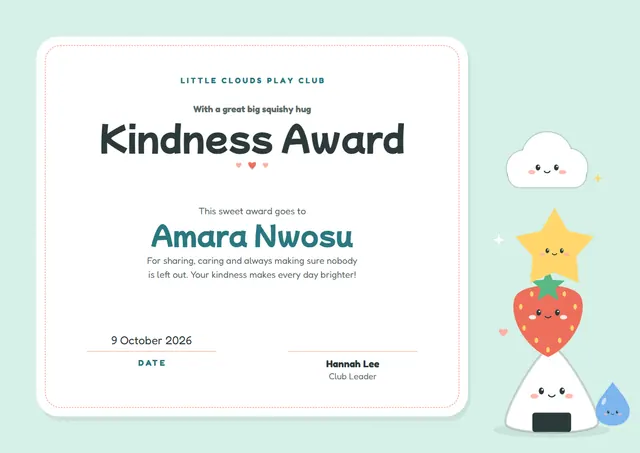
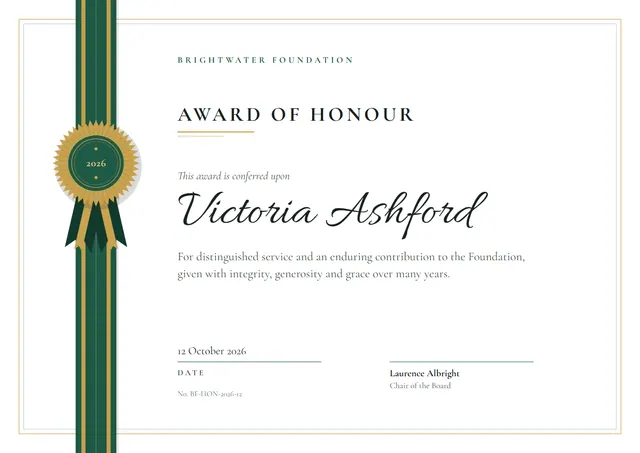
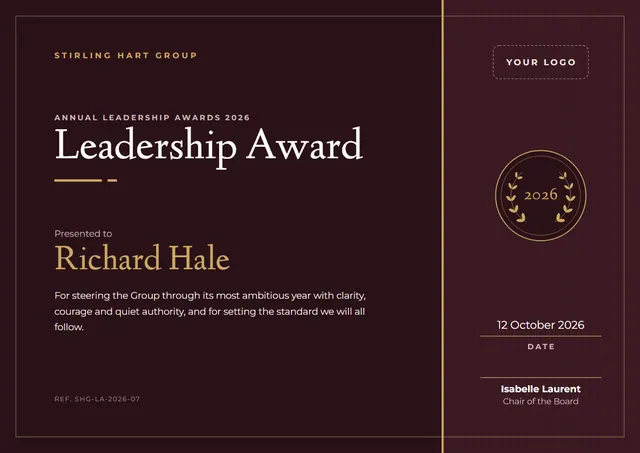
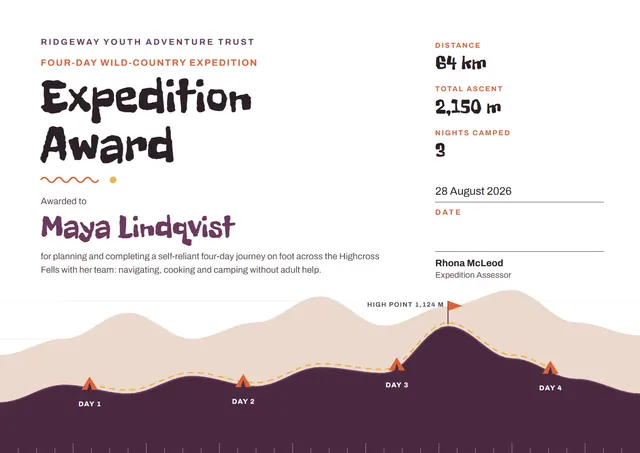
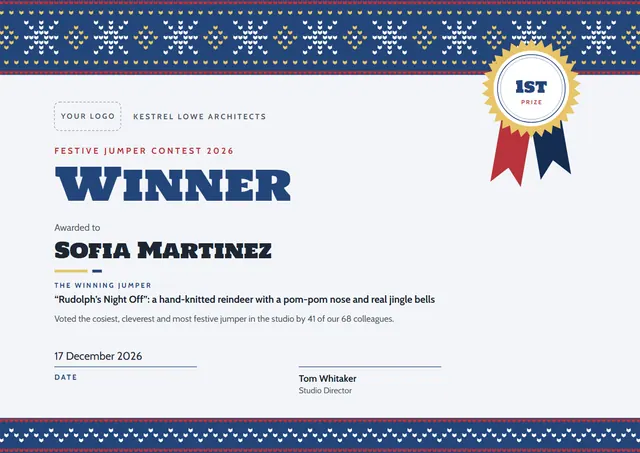
If you need to name a winner and make it official, this Festive Jumper Contest Winner Certificate does it with a modern layout that schools, workplaces and families will recognise straight away. It is shown here in ocean blue, with a ribbon rosette, Holtwood One SC headings and Cabin for the smaller text. Change a few words and it doubles as a family keepsake.
Suggested wording
Copy one of these lines into the certificate, then replace the words in brackets.
Awarded to [Name], winner of Festive Jumper Contest Winner, [Year].
Presented to [Name], champion of [Competition] [Year], with the admiration of every competitor.
First place: [Name]. Presented at [Event] on [Date] in recognition of an outstanding entry.
How to customise it
You can rewrite the whole certificate; the the winning jumper and prize fields are already in place, and you can delete the ones you don’t need. Fonts can be swapped too; the defaults are Holtwood One SC and Cabin. It works in landscape or portrait, on A4 or US Letter, without you having to move anything. The design comes with three colour schemes (Classic Red, Nordic Blue and Forest Knit), and every single colour can be changed. You can also upload a logo or a photo and place it anywhere on the page.
Printing tips
A smooth, bright white card stock (about 65–80 lb cover) gives the cleanest finish. Download the PDF at the paper size you will print on (A4 or US Letter) and set the printer to “Actual size” or 100%. It fits a standard certificate frame or a document folder.