About this template
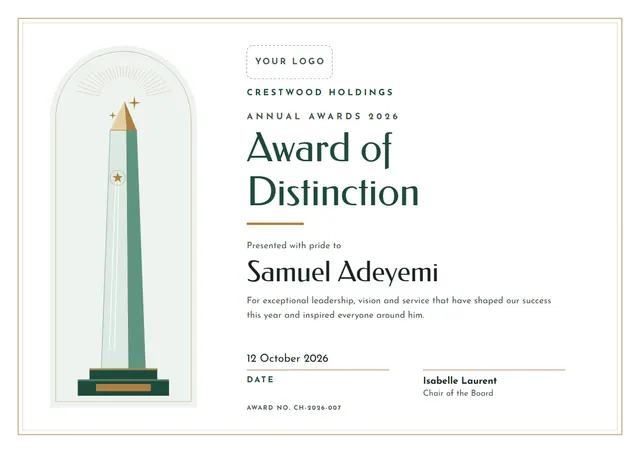
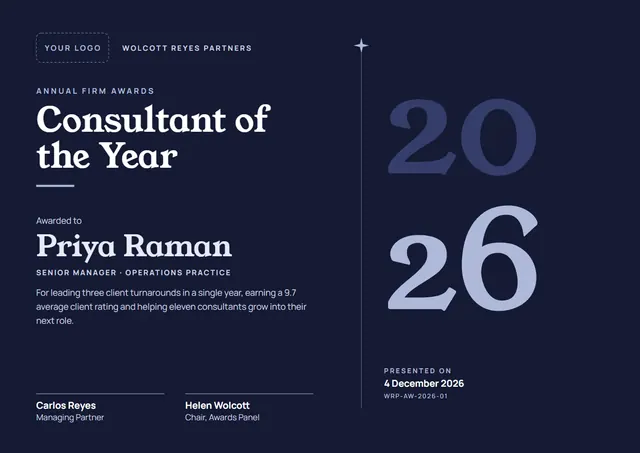
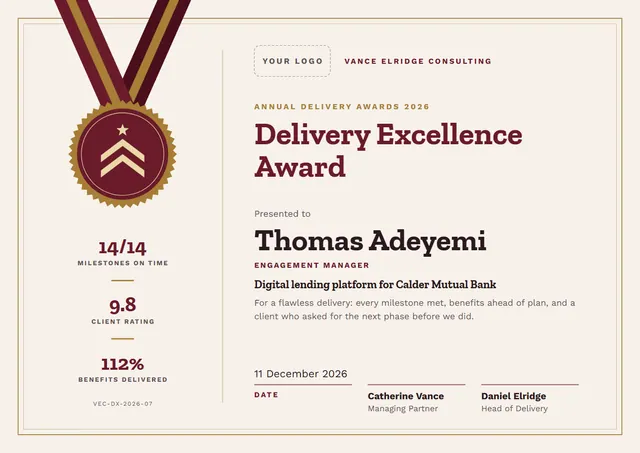
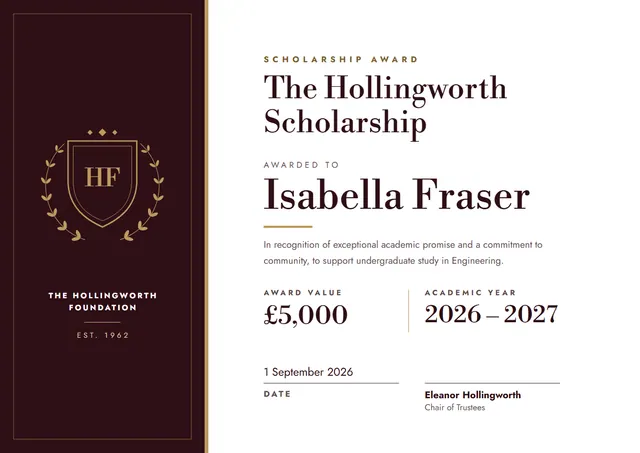
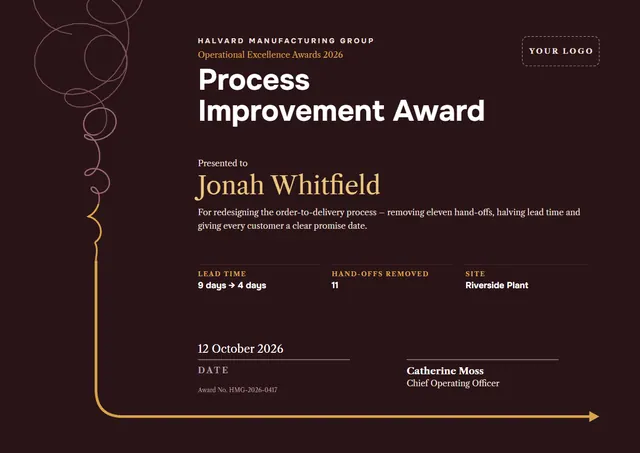
PMOs, quality teams and project trainers reach for designs like this one when they want to name a winner and make it official: a clean Process Improvement Award that looks as good in a frame as it does in a folder. On CerShare it comes in the Oxblood & Brass colour scheme; the lettering pairs Onest with Libre Caslon Text. It works just as well as a certificate of achievement.
Suggested wording
Copy one of these lines into the certificate, then replace the words in brackets.
Congratulations to [Name] on Process Improvement Award. A well-deserved win.
In recognition of [Name], whose work was judged best in [Category] by [Judges].
Presented to [Name], champion of [Competition] [Year], with the admiration of every competitor.
How to customise it
You can rewrite the whole certificate; the lead time, hand-offs removed and site fields are already in place, and you can delete the ones you don’t need. Change the font or the size of any line if your text is longer than the sample. Choose A4, US Letter or A3, in landscape or portrait, and the layout rearranges itself to fit. The design comes with three colour schemes (Midnight & Gold, Oxblood & Brass and Forest & Copper), and every single colour can be changed. You can also upload a logo or a photo and place it anywhere on the page.
Printing tips
Bright white matte paper of 160–200 gsm keeps the colours crisp. In the print dialog choose “Actual size” rather than “Fit”, so the border isn’t cropped. Because of the dark background, check your ink first, or send the PDF to a local print shop.