About this template
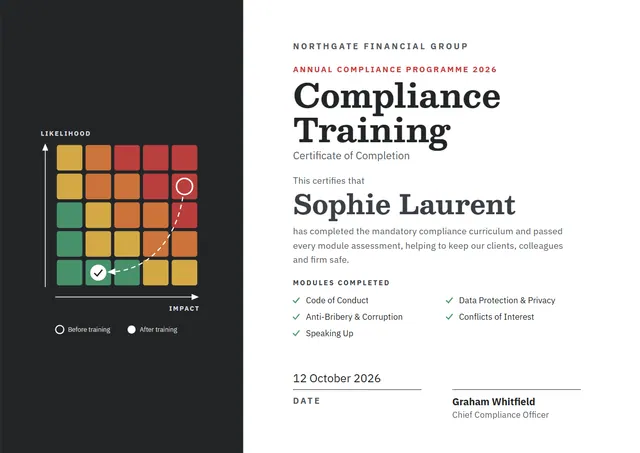
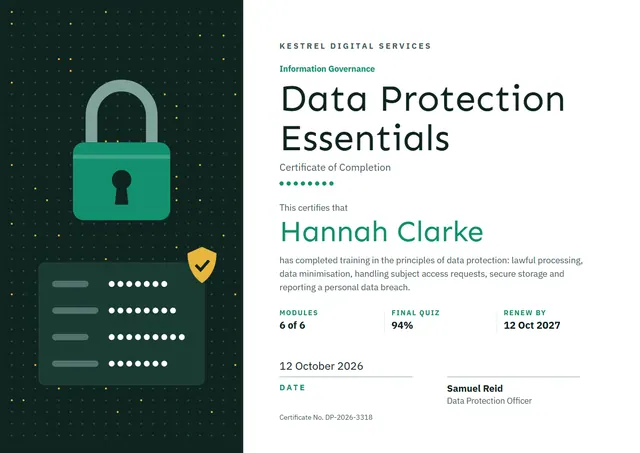
Safety officers, HR and compliance teams reach for designs like this one when they want to record training that has been completed: a clean Data Protection Certificate that looks as good in a frame as it does in a folder. On CerShare it comes in the Vault Green colour scheme, with a badge as the centrepiece; the lettering pairs Sen with IBM Plex Sans. Change a few words and it doubles as a course completion certificate.
Suggested wording
Copy one of these lines into the certificate, then replace the words in brackets.
[Name] has completed Data Protection. Please keep this certificate with your training records.
For completing Data Protection: [6] hours of training, including theory, practice and a final check.
[Name] has successfully completed Data Protection and is competent in the procedures covered. Valid until [Expiry date].
How to customise it
Every word is editable, from the title to the signature line, including the modules, final quiz and renew by lines. Change the font or the size of any line if your text is longer than the sample. The design comes with three colour schemes (Cipher Navy, Vault Green and Plum Secure), and every single colour can be changed. Need portrait instead of landscape, or US Letter instead of A4? Change it in one click. There is an Arabic edition too, laid out right to left with Reem Kufi.
Printing tips
Use a smooth white paper rather than parchment, so the clean lines stay sharp. In the print dialog choose “Actual size” rather than “Fit”, so the border isn’t cropped. Standard A4 and Letter frames fit it without trimming.