About this template
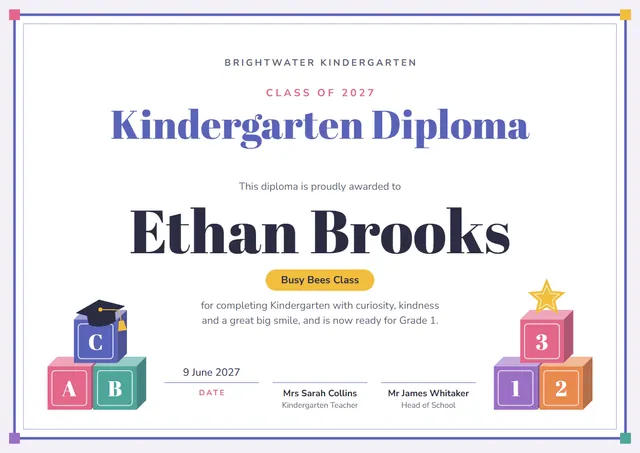
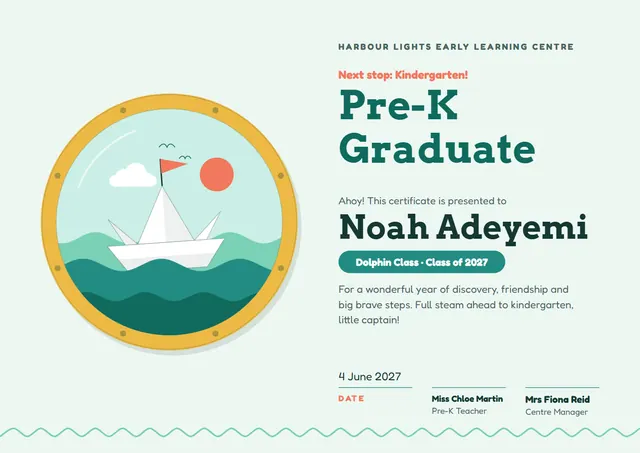
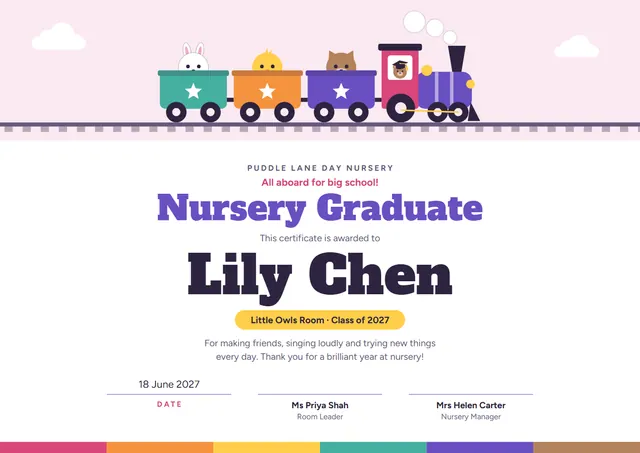
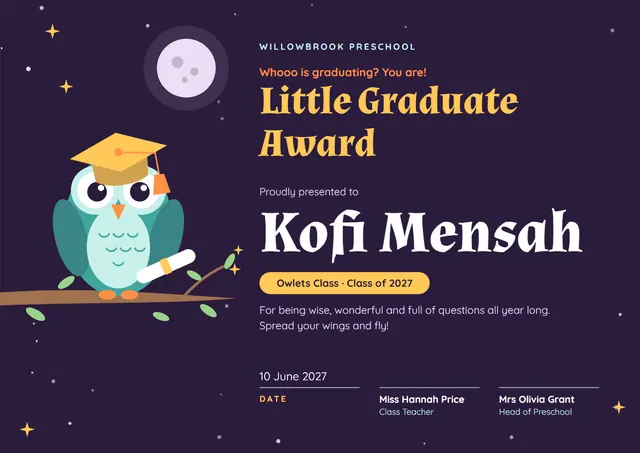
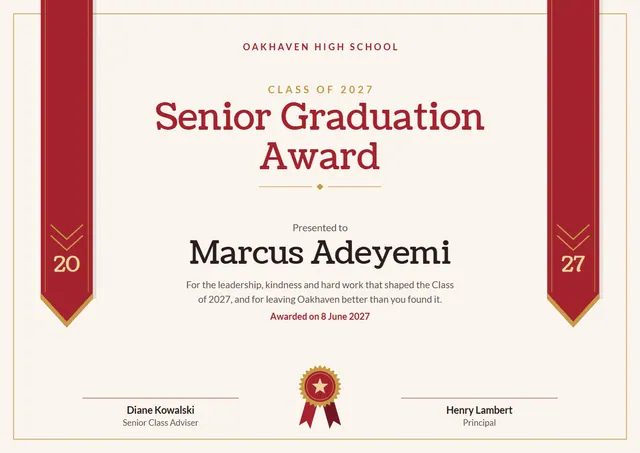
Middle and high schools reach for designs like this one when they want to mark the day someone graduates: a clean Senior Graduation Award that looks as good in a frame as it does in a folder. Coustard sets the title and Lato carries the details, with a ribbon rosette giving the page its character. Change a few words and it doubles as a competition award.
Suggested wording
Copy one of these lines into the certificate, then replace the words in brackets.
Awarded to [Name] on graduating from [School]. Thank you for the questions, the laughter and the hard work.
Congratulations, [Name]! You walked in curious and you walk out ready. With love from all of us at [School].
This certifies that [Name] has completed Senior Graduation Award and is hereby recognised as a graduate of [School], on this day, [Date].
How to customise it
Every word is editable, from the title to the signature line. Change the font or the size of any line if your text is longer than the sample. The design comes with three colour schemes (Royal Blue Stole, Scarlet Stole and Purple Stole), and every single colour can be changed. It works in landscape or portrait, on A4 or US Letter, without you having to move anything. Add your logo, a crest or a photo and drag it into place.
Printing tips
A smooth, bright white card stock (about 65–80 lb cover) gives the cleanest finish. In the print dialog choose “Actual size” rather than “Fit”, so the border isn’t cropped. It fits a standard certificate frame or a document folder.