About this template
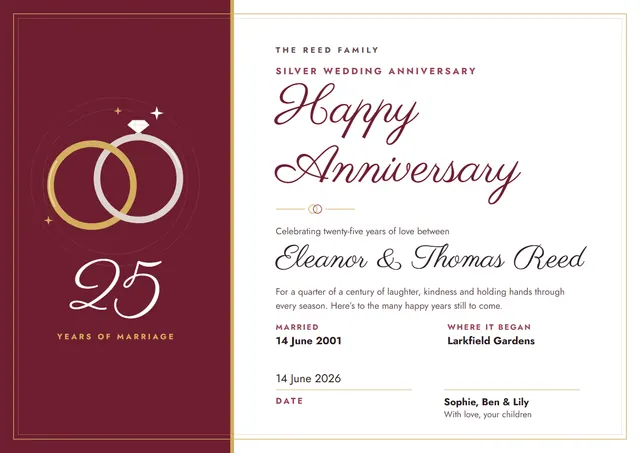
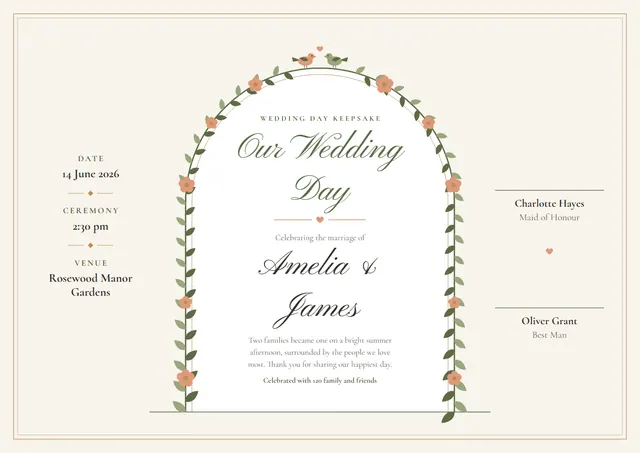
Families, friends and couples reach for designs like this one when they want to mark a family moment: a classic Wedding Keepsake Certificate that looks as good in a frame as it does in a folder. Pinyon Script sets the title and Cormorant carries the details, with flowers giving the page its character.
Suggested wording
Copy one of these lines into the certificate, then replace the words in brackets.
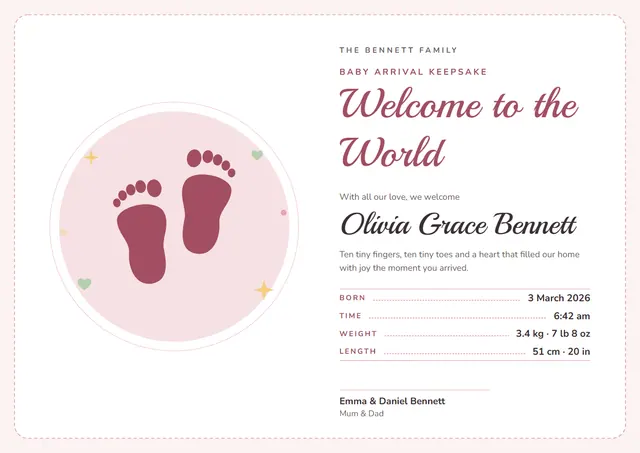
Welcome to the world, [Baby’s name]! Born [Date] at [Time], weighing [Weight].
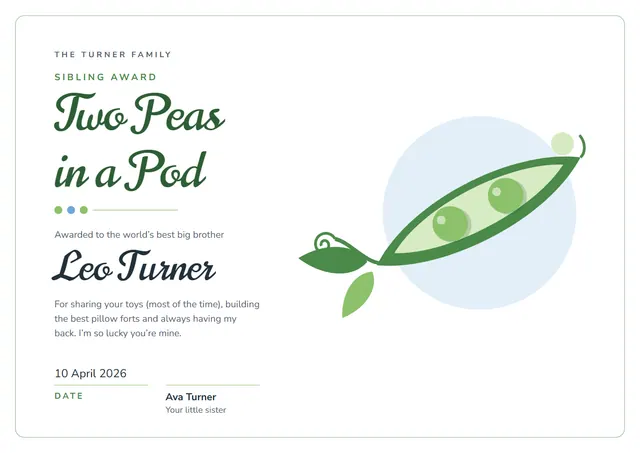
Awarded to [Name] for [Reason], with hugs from [Family].
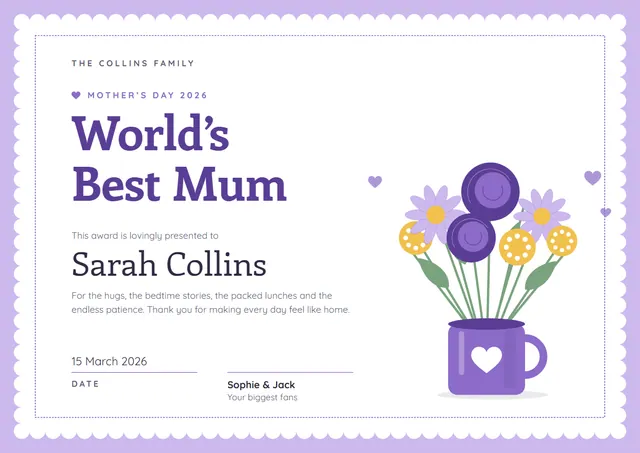
For [Name], who makes every family gathering better. Signed, [Everyone].
How to customise it
Click any line to change it: the recipient’s name, the wording, the date, ceremony and venue and the signatures. Choose A4, US Letter or A3, in landscape or portrait, and the layout rearranges itself to fit. Change the font or the size of any line if your text is longer than the sample. Prefer another look? Switch to the Sage & Blush or Lavender Garden colour scheme, or pick any colour you like. You can also upload a logo or a photo and place it anywhere on the page.
Printing tips
Heavy matte or parchment paper gives it the weight of an official document. Download the PDF at the paper size you will print on (A4 or US Letter) and set the printer to “Actual size” or 100%. It fits a standard certificate frame or a document folder.