About this template
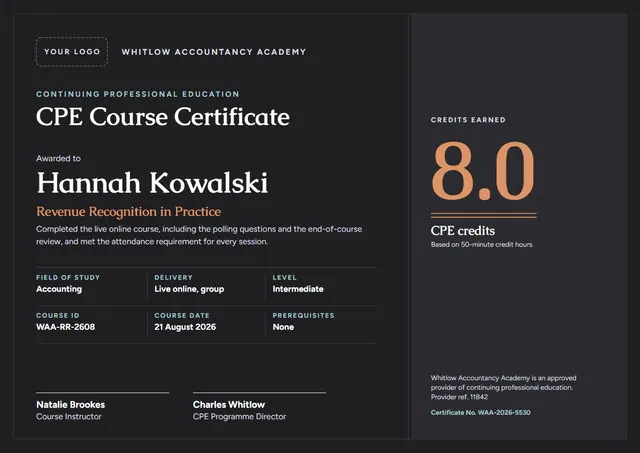
If you need to close a course with something worth keeping, this CPE Course Certificate does it with a formal layout that CPD providers, professional bodies and L&D teams will recognise straight away. Caudex sets the title and Figtree carries the details, with a double border giving the page its character. Change a few words and it doubles as a professional certificate.
Suggested wording
Copy one of these lines into the certificate, then replace the words in brackets.
[Name] finished the CPE Course Certificate with a final grade of [Grade]. Congratulations on a course well done.
Presented to [Name] for reaching the final lesson of the CPE Course Certificate. Well done, and keep practising.
For completing the CPE Course Certificate and putting new skills into practice from the very first session.
How to customise it
Every word is editable, from the title to the signature line, including the credits earned, field of study and delivery lines. Prefer another look? Switch to the Ledger Green & Gold or Oxford Navy & Brass colour scheme, or pick any colour you like. Choose A4, US Letter or A3, in landscape or portrait, and the layout rearranges itself to fit. Text sizes adjust to fit, and you can choose another font for any line. There is an Arabic edition too, laid out right to left with Markazi Text.
Printing tips
A cream, linen-textured paper of around 120 lb text (180 gsm) suits this classic layout. In the print dialog choose “Actual size” rather than “Fit”, so the border isn’t cropped. The background is dark, so a laser printer or a print shop will give the richest colour.